Using Excel to Track Job Applications
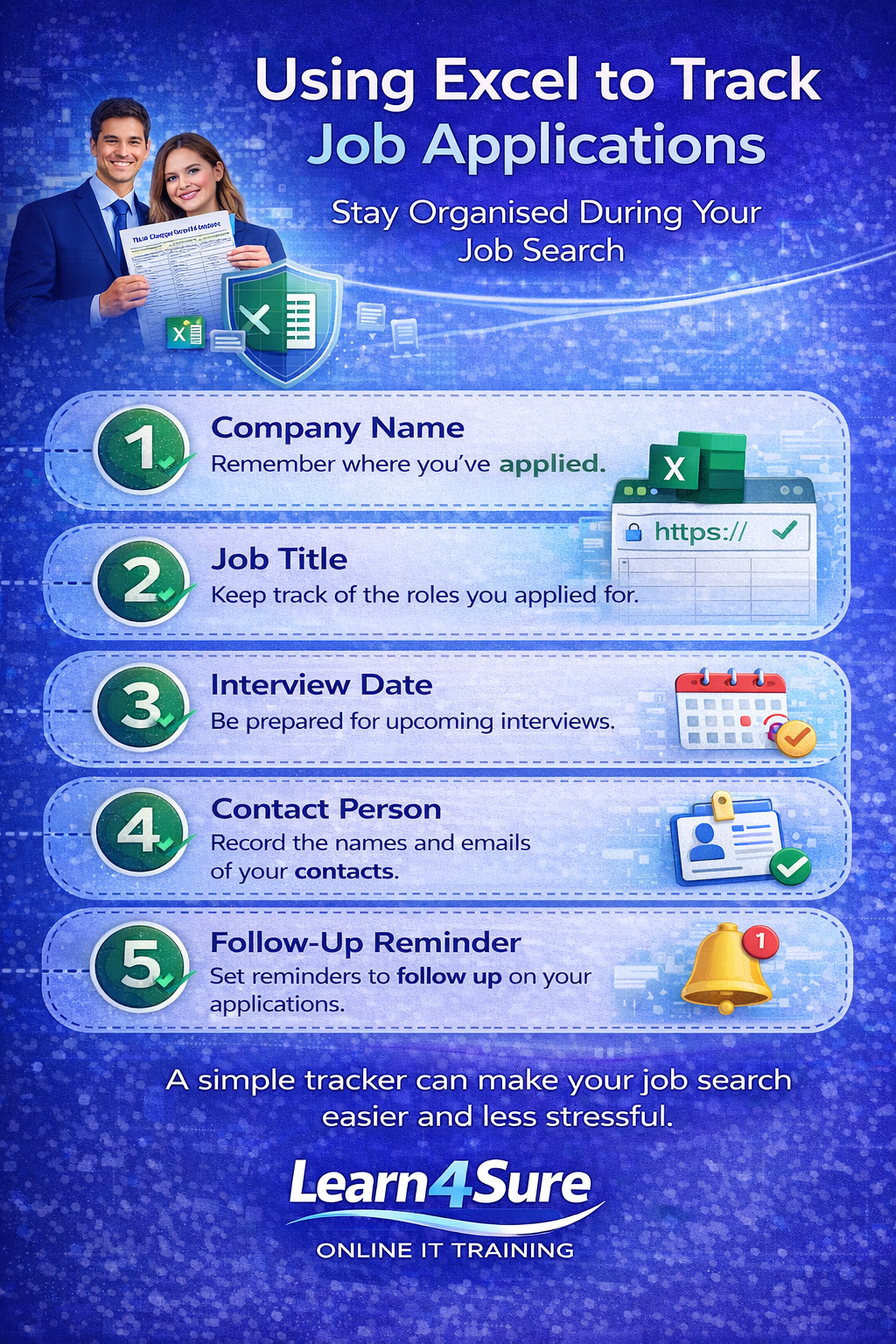
Many jobseekers in Ireland are returning to work after a break and want to rebuild their digital skills with simple, practical tools like Excel. Searching for a job can quickly become overwhelming. Applications, interview dates, contacts, and follow-ups can easily get lost if they are not organised in one place.
One of the simplest ways to stay organised during a job search is to use a basic Excel tracker. Consider our Excel course.
You do not need advanced Excel skills. A simple spreadsheet can help you stay focused, prepared, and in control of your job search.
Why tracking job applications matters
When applying for multiple roles, it is easy to forget:
which jobs you applied for
when you applied
who you contacted
when to follow up
interview dates
A simple tracker keeps everything in one place and reduces stress.
It also helps you look more professional when employers contact you.
What to include in a job application tracker
A basic Excel tracker only needs a few columns.
For example:
Company Name
Job Title
Date Applied
Contact Person
Interview Date
Status
Notes
This structure makes it easy to see your progress at a glance.
You can sort, update, and review your applications whenever you need.
Simple Excel skills that help jobseekers
You do not need to be an Excel expert to create a tracker. Just a few skills make a big difference:
Entering and editing data
Adjusting column width
Using simple formatting
Saving files correctly
Keeping files organised
These small skills build confidence quickly.
Staying organised during your job search
Organisation is not just about spreadsheets — it is about confidence.
When you know:
where you applied
what stage each application is at
when to follow up
your job search feels more manageable and less stressful.
Even a simple tracker can help you stay motivated and focused.
Final thought
Looking for work can be challenging, but small steps can make the process easier.
Learning simple digital skills — like using Excel to organise your job applications — can make a real difference.
You do not need to learn everything at once. Just start with what helps you today.
Learn4Sure
Learn4Sure provides friendly, live online IT training for jobseekers, career returners, and beginners who want to build confidence using Microsoft Word, Excel, Outlook, and Windows.
Small groups. Step-by-step guidance. Supportive learning.
Learn. Apply. Succeed.
