Staying Safe Online for Seniors - Week 1
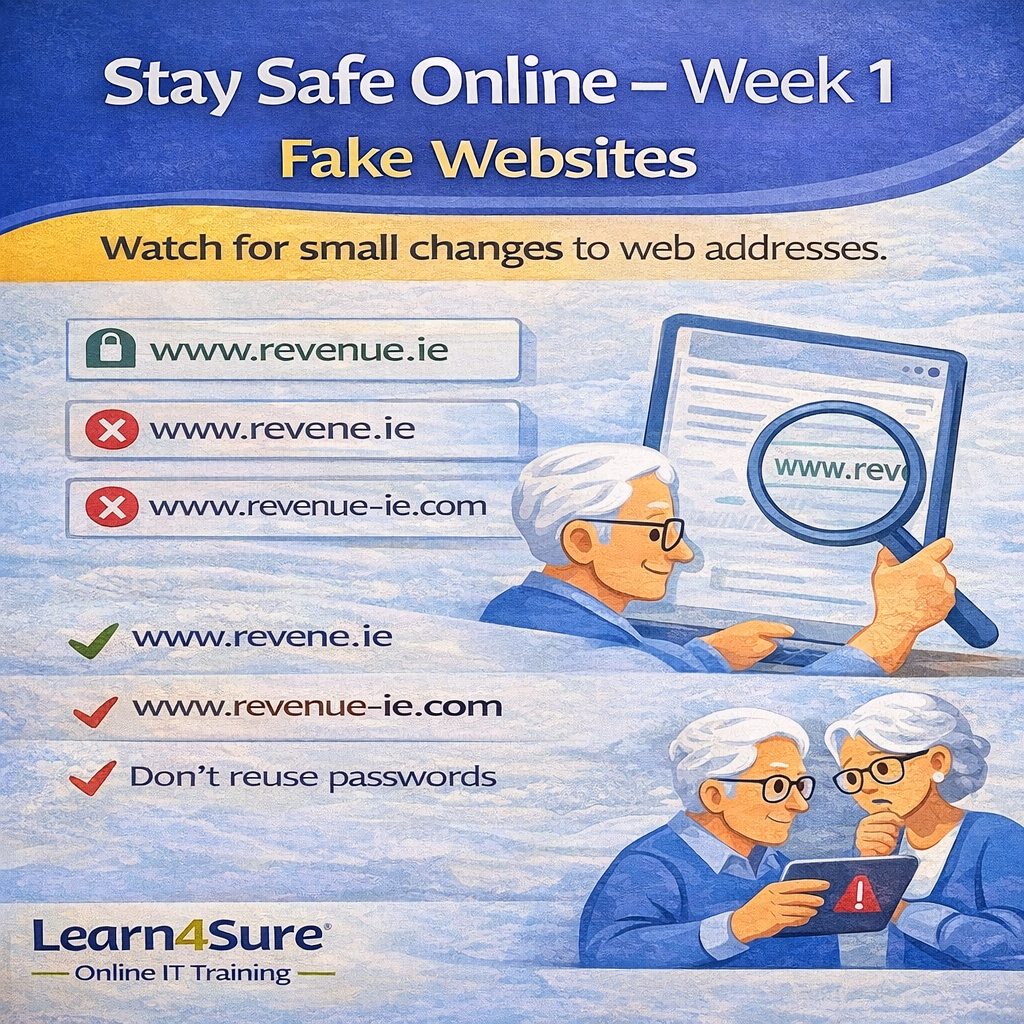
Fake Websites: When One Letter Makes All the Difference
Fake websites are designed to look real
One of the most common online scams involves websites that look almost identical to real ones.
At first glance, everything appears normal — the logo looks correct, the colours are familiar, and the page layout seems genuine. But the website address (URL) may contain a very small difference.
These small changes are easy to miss, especially when you are browsing quickly.
Scammers rely on this.
Example of subtle website changes
Here are some examples of how fake websites may differ from real ones:
Real website:
www.bankofireland.ie
Fake versions might be:
www.bankoflreland.ie   (lowercase L instead of i)
www.bankofireland.co
www.bank-of-ireland.ie
www.bankofirelnd.ie
These differences can be extremely subtle.
Some scams even use:
extra letters
missing letters
numbers instead of letters
different domain endings (.com instead of .ie)
Why scammers do this
The goal is simple — to get you to:
enter login details
type passwords
enter card information
confirm account details
Once information is entered, it can be stolen immediately.
This is why checking the address bar is one of the most important online safety habits.
A simple habit that protects you
Before entering personal information online:
Pause and check:
Is the spelling correct?
Does it begin with https?
Do you recognise the full website address?
Taking three seconds to check can prevent serious problems.
A helpful tip
Instead of clicking links in emails, try this:
Open your browser and type the website yourself.
For example, type:
www.revenue.ie
instead of clicking a link in a message.
This ensures you are going to the real website.
Confidence comes from simple habits
You don’t need to understand technology deeply to stay safe online.
Just learning what to look for can make browsing the internet much safer and more comfortable.
Learn4Sure provides friendly, live online IT training for seniors and beginners, helping learners build confidence using the internet, email, Windows, and everyday computer skills.
Small groups. Step-by-step learning. No jargon.
Learn. Apply. Succeed.
